
TTA PQ Gapp Installer
Tools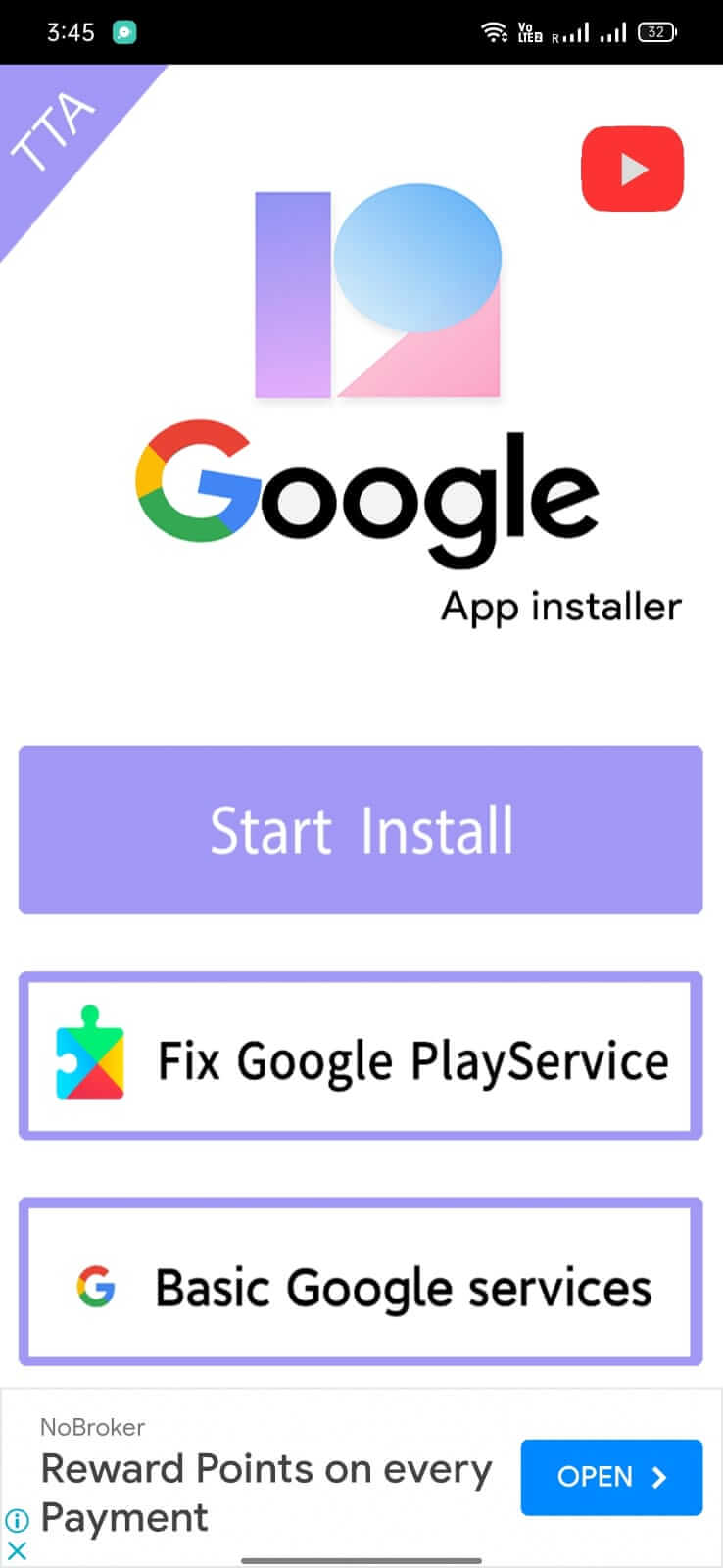

TTA PQ Gapp Installer is a utility designed for Xiaomi smartphones that run the MIUI China ROM. It simplifies the process of adding Google apps—such as the Play Store, Play Services, and other Google components—to devices that ship without them.
This page gives you the latest version (12.5.9), explains what the tool does, how to install it, and what to watch out for.
Quick Information
| App/Game Name | TTA PQ Gapp Installer |
| Latest Version | 12.5.9 |
| Developer | Not listed |
| Category | Apps / Tools |
| App Size | 158.9 MB |
| Package Name | Not listed |
| Last Updated | 16 April 2026 |
What Is TTA PQ Gapp Installer?
The installer works as a bridge between the Chinese MIUI environment and the global Google ecosystem. Its core functions include:
- Downloading and installing the Google Play Store.
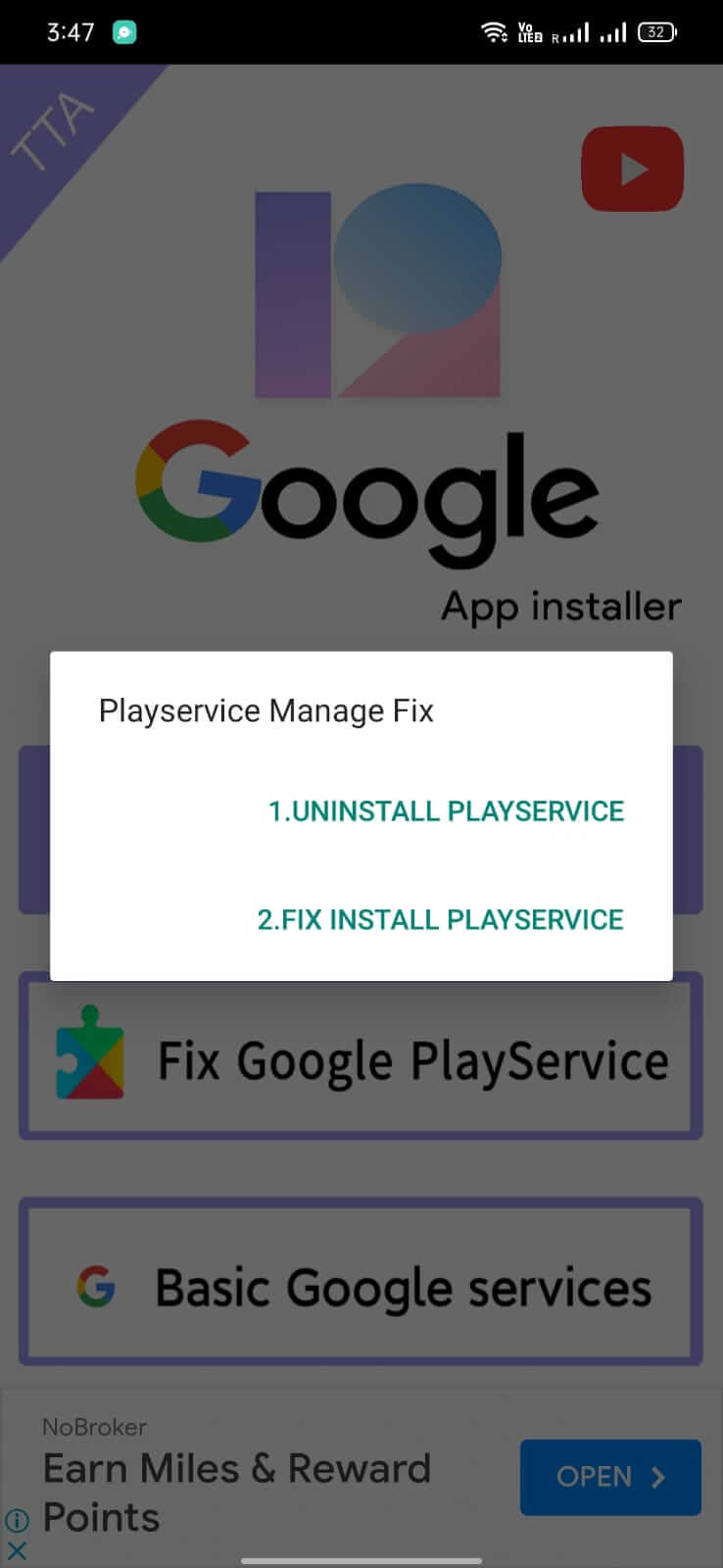
- Installing Google Play Services, Google Services Framework, and related libraries.
- Providing a single‑click way to add other “Gapp” packages that are commonly bundled for the Chinese market.
The app is intended for users who want a fully functional Google experience on their Xiaomi devices without flashing a custom ROM. It does not replace the MIUI system UI; it only adds the missing Google components.
How to Install
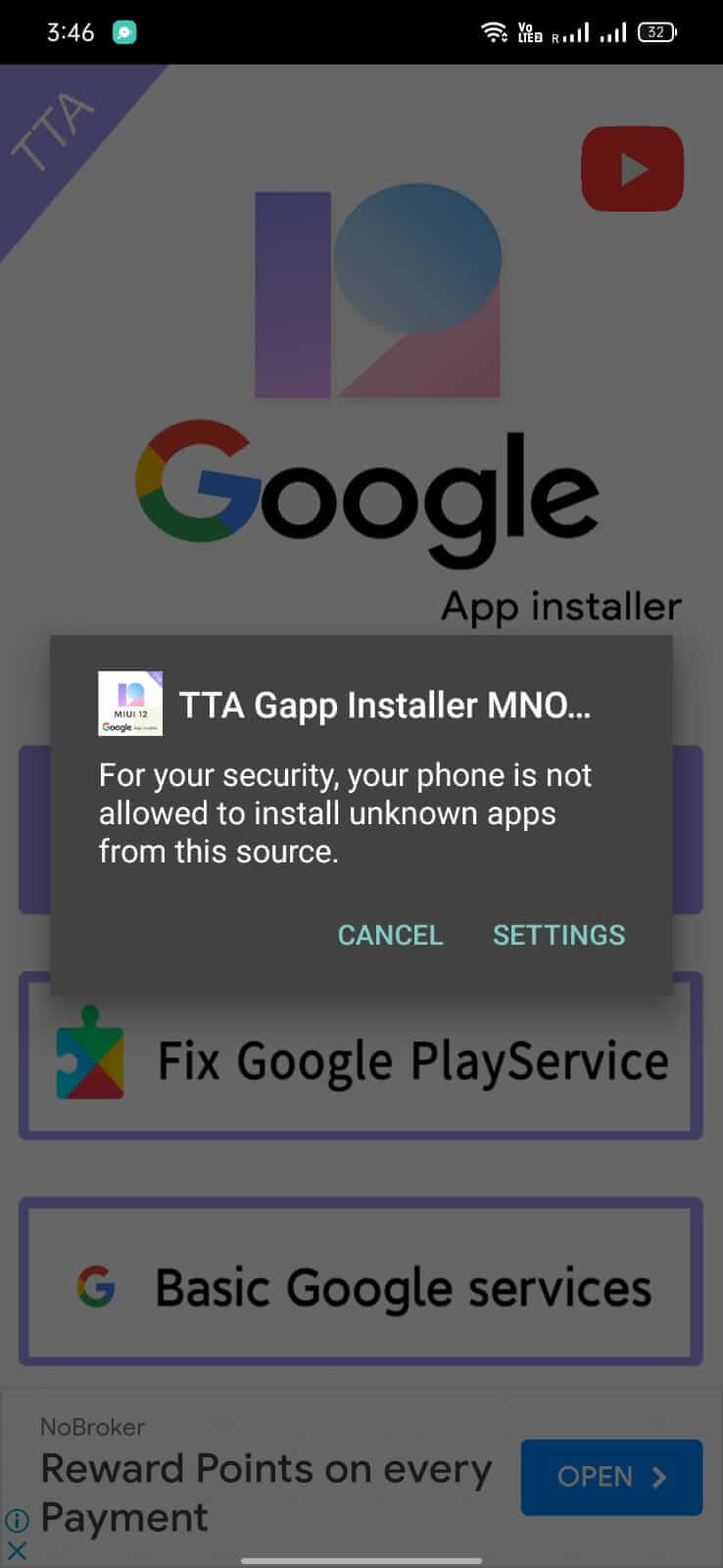
- Enable Unknown sources in Settings > Security (or Settings > Apps > Special access > Install unknown apps for the browser/file manager you use).
- Download the TTA PQ Gapp Installer APK to your device.
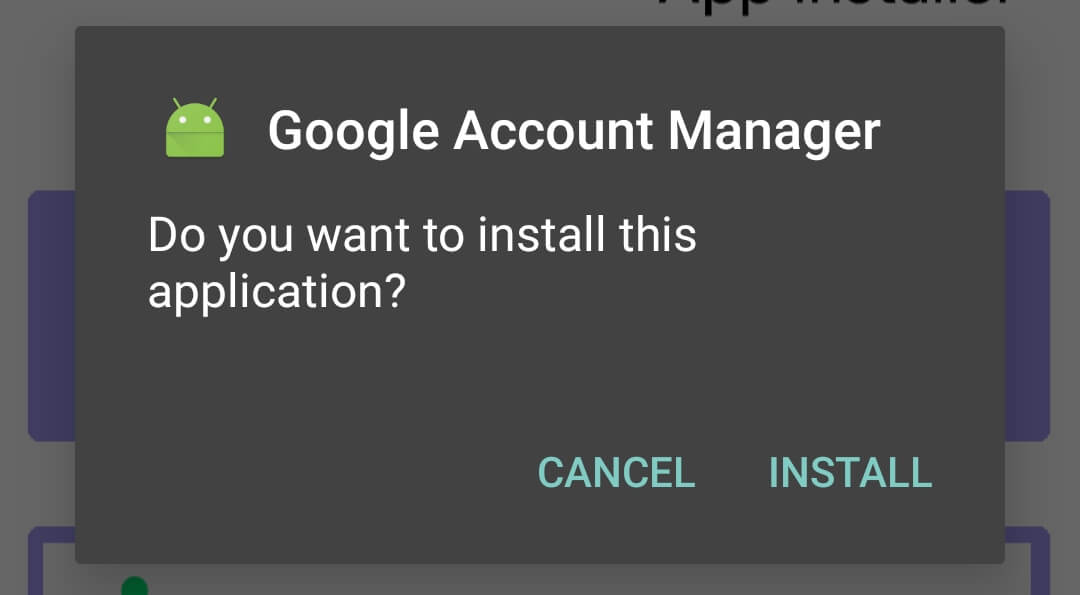
- Tap the downloaded file and follow the on‑screen prompts to install.
- Open the app and grant any runtime permissions it requests (usually storage access).
- Choose the Google components you want to install and tap Install. The installer will download the required files and apply them automatically.
- After installation, restart your device. The Play Store and related services should appear in the app drawer.
Troubleshooting
- App not installed error: Verify that the APK is fully downloaded and that your device allows installations from unknown sources.
- Installer crashes on start: Clear the app cache (Settings > Apps > TTA PQ Gapp Installer > Storage > Clear cache) and try again.
- Google Play Store does not appear after installation: Ensure you have a stable internet connection during the install and reboot the device once more.
- Login issues with Google services: The installer only adds the framework; you still need a valid Google account. If login fails, check your account credentials or try adding the account through Settings > Accounts.
Compatibility
| Android Version | ✓ Verified — Android 5.0 and later |
| Architecture (ARM64 / 32-bit) | ✓ Verified — Supports common device architectures |
| Internet Connection | ✓ Verified — May be required for ads, updates, or login |
| Storage Needed | Not Verified |
| OBB/Data Files | Not Verified |
| Root Required | Not Verified |
Safety & Security
The APK is a modified installer that adds Google components to a ROM that does not include them by default. While the tool itself does not contain malicious code, users should always download it from a reputable source and verify the file’s integrity (e.g., using a SHA‑256 hash if provided). Review the permissions the app requests; typical permissions include storage access for downloading packages. Avoid entering sensitive personal data into any third‑party app that you cannot verify.
How TTA PQ Gapp Installer Compares
| Feature | TTA PQ Gapp Installer | Google Installer (official) | Mi App Store |
|---|---|---|---|
| Purpose | Add Google Play Store & services to MIUI China ROM | Install Google apps on Chinese devices (official version) | Official Xiaomi app marketplace, no Google services |
| Price | Free | Free | Free |
| Platform | Android (Xiaomi MIUI China) | Android (Xiaomi MIUI China) | Android (all Xiaomi devices) |
| Standout Feature | One‑click installation of multiple Google components | Officially supported by Google for Chinese devices | Pre‑installed, no need for extra installers |
| Best for | Users who want Google services on MIUI China ROM | Users preferring an official Google‑backed installer | Users who stay within Xiaomi’s native ecosystem |
Alternatives
- Google Installer (official): The official tool released by Google to add Play Store and services on Chinese Xiaomi devices.
- Mi PC Suite: A desktop utility that can flash Google apps onto Xiaomi phones, useful for those who prefer a PC‑based approach.
- GMS Installer: A third‑party app that also bundles Google Play Services and the Play Store for MIUI China ROMs.
Final Verdict
TTA PQ Gapp Installer offers a straightforward way to bring Google Play and related services to Xiaomi phones running the China‑only MIUI ROM. It is free, easy to use, and targets a specific need that the stock system lacks. However, it works only on Xiaomi devices with the China ROM, and users must be comfortable enabling installations from unknown sources. Verify the download source, check permissions, and be prepared for occasional login hiccups. If you need Google apps on a non‑Xiaomi device or prefer an officially supported solution, consider the official Google Installer instead.
Frequently Asked Questions
The installer itself does not contain known malware, but you should download it from a trusted source and review the permissions it requests.
It is designed for Xiaomi devices running the MIUI China ROM; specific Android version requirements are not listed.
Root is not required; the app works with standard user permissions on compatible MIUI China devices.
No, the installer is tailored for Xiaomi phones with the China‑only MIUI ROM.
Make sure you have enabled installations from unknown sources and that the APK is fully downloaded without corruption.
System updates can sometimes remove or disable added Google components, requiring you to run the installer again.
Yes, you can install the newer APK directly; the installer will replace the previous version.
Older versions are not listed here; you would need to search reputable archives if you specifically need a previous build.